Security Radios

Faster Patrol Updates. Clear Voice. Built for Security Work.
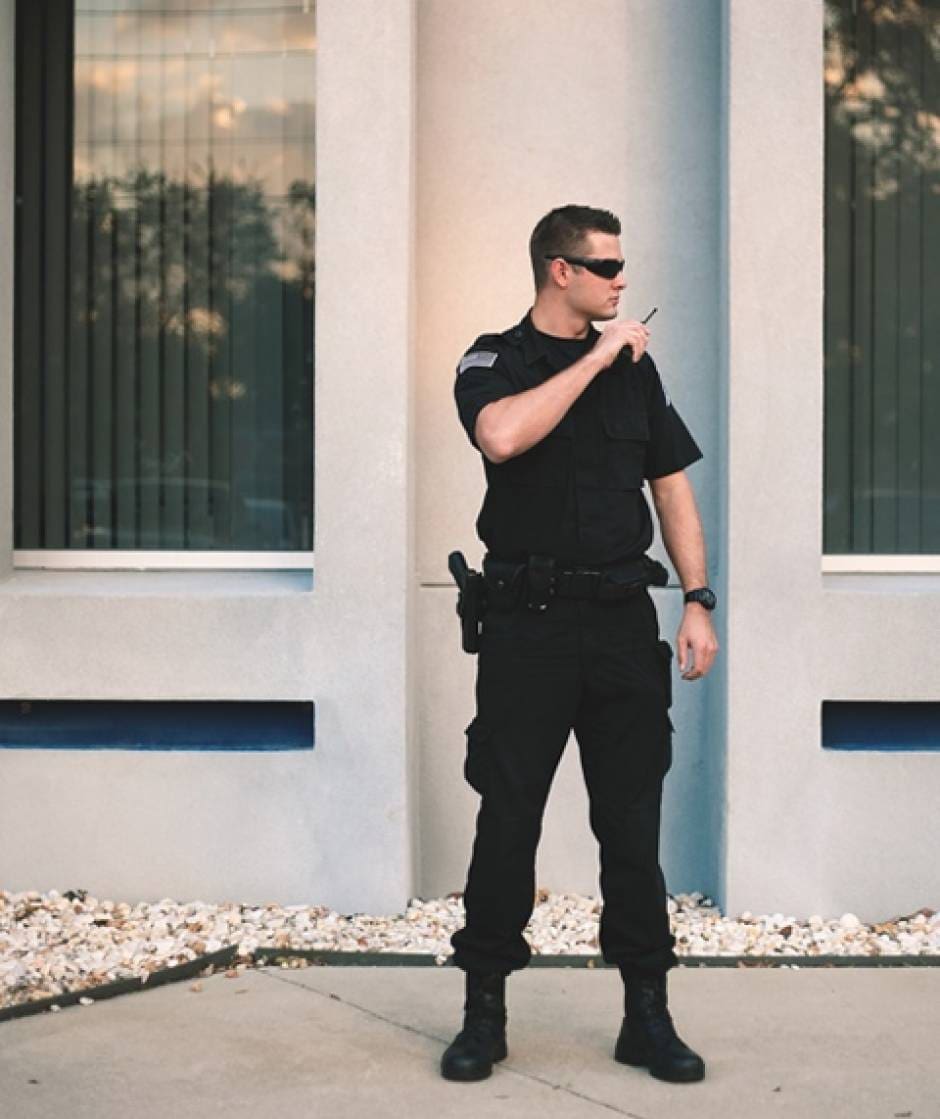
Security work moves fast. A door alarm trips. A visitor needs help. A crowd shifts. A camera spot needs eyes on it now. When teams can share short updates in seconds, sites stay safer and response feels calm and controlled.

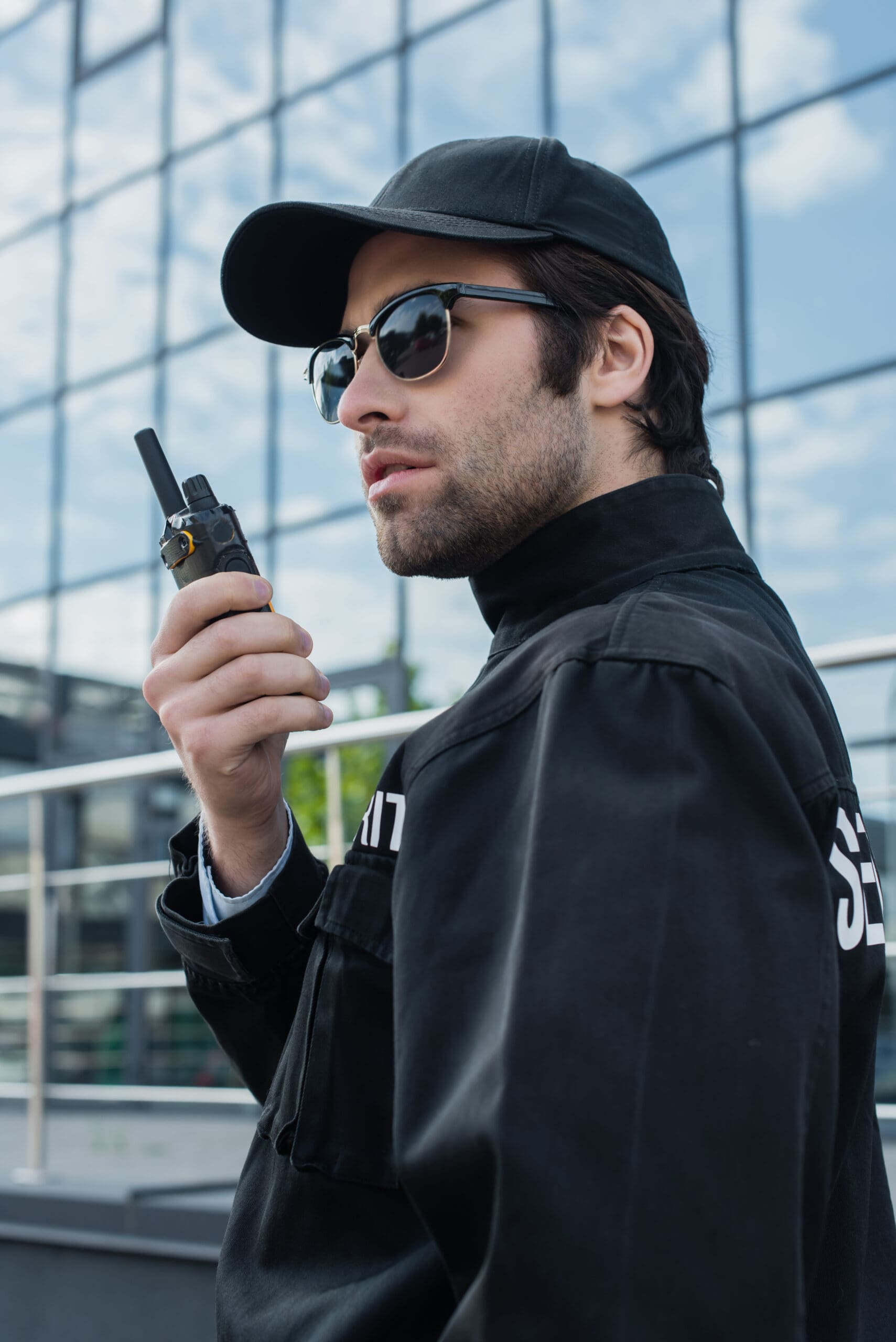
That is why many teams rely on Security radios. One button connects the right people right away, without waiting on phone calls, long texts, or missed notifications.

Fleet Radio helps security teams choose, set up, and support radios that fit real field work. If you cover one site or many, Security radios can help reduce delays, cut confusion, and improve coordination.

Request a Quote to talk through your site layout, patrol plan, and coverage needs.

Modern voice communication that helps teams respond fast

Security teams support many places: offices, retail, schools, hospitals, warehouses, events, and gated communities. The basics are the same. You need fast contact, clear direction, and a simple tool that works in rain, noise, and stress. With Security radios, messages stay short and direct.

Common uses:

  • Dispatch to patrol for calls for service

  • Patrol to supervisor for status checks

  • Gate staff to rovers for access issues

  • Event staff to command for crowd movement

  • Loss prevention to staff for suspicious activity

  • Parking teams for escorts and traffic control

  • Facilities coordination for alarms and locks

  • Emergency calls when safety risk appears

What to look for in Security radios

Not every radio setup fits every post. The best option depends on site size, walls, floors, and how your team moves. Use this checklist when planning Security radios.

Coverage that matches the site

  • Large campuses need consistent reach

  • Garages, stairwells, and basements can block signal

  • Outdoor lots and perimeters need range

  • Multi-building sites need a clear plan

Audio that stays clear

  • Loud speakers help outdoors and in traffic

  • Noise control helps in crowds and near equipment

  • Earpieces support quiet use

Simple controls for fast use

  • Push-to-talk that works with gloves

  • Clear channel labels to reduce wrong calls

  • Locked settings to prevent accidental changes

Battery planning for long shifts

  • 8 to 12 hour shifts need dependable power

  • Multi-unit chargers support shift handoffs

  • Spare batteries help during overtime

Durability for daily wear

  • Drops happen during fast movement

  • Dust and rain are common outdoors

  • Solid clips and cases reduce loss

Handheld radios for patrol teams

Most teams start with handheld units. They are portable, quick to learn, and easy to assign by role. Fleet Radio can help you choose handheld Security radios that match your posts and routines.

Typical handheld kits include:

  • Belt clips or duty-ready carry cases

  • Remote speaker mics for quick talk while moving

  • Earpieces for discreet communication

  • Multi-unit chargers for the office or guard shack

  • Extra batteries for long shifts and special details

A good rollout also includes a channel plan that matches how teams work. Labels can match roles like Dispatch, Patrol, Gate, Event, or Supervisor. That keeps training simple.

Mobile radios for vehicles, command posts, and rovers

If your team uses vehicles, mobile units can add stronger range and steady power. These radios mount in a vehicle and can pair with an external antenna. Many teams use mobile units as a key link between patrol and command.

Mobile setups can support (and work well alongside Security radios used on foot posts):

  • Rovers covering large lots and perimeters

  • Supervisors moving between posts

  • Command vehicles at events

  • Patrol cars supporting escorts and traffic direction

Coverage planning for large sites and mixed environments

Concrete, steel, and underground areas can cause dead spots. Planning helps teams avoid missed calls during critical moments and helps Security radios work where staff actually operate.

Fleet Radio supports coverage planning by focusing on:

  • Identifying dead zones in stairwells, garages, and basements

  • Confirming outdoor coverage along fences and entry points

  • Setting channel rules to reduce chatter

  • Selecting antenna placement that fits the site

In some cases, a repeater can extend range across a larger area. For multi-building campuses, this can help communication stay consistent from the main entrance to remote corners.

Push-to-talk over cellular for multi-site teams

Some security companies cover many client sites across a city or region. In those cases, cellular push-to-talk can support wide-area communication where cellular coverage exists. It can help supervisors and rovers stay connected across long distances.

This approach can help:

  • Regional supervisors supporting multiple sites

  • Mobile response teams

  • Dispatch coordination across client locations

  • Temporary posts set up on short notice

Fleet Radio can help you compare on-site radios and cellular options so your setup matches your needs and budget.

Rentals for events, temporary posts, and surge coverage

Not every need is permanent. Rentals can help when you need extra units fast for a short window.

Teams often rent Security radios for:

  • Concerts, fairs, and festivals

  • Sporting events and stadium staffing

  • Construction site details

  • Short-term staffing surges

  • Drills and training days

We can deliver rental kits ready to use, with chargers, labels, and accessories so teams can start fast.

Programming, labeling, and support that saves time

Radios work best when setup matches real workflows. Defaults can create problems like wrong channels, loud alerts, and too many people talking over each other. We help teams reduce friction with practical setup and support for Security radios.

Setup support can include:

  • Role-based channels for dispatch, patrol, gate, and supervisors

  • Zone channels for large sites

  • Clear labels that match post orders

  • Talk rules that keep messages short and useful

Ongoing support can include:

  • Adding units for new posts or new hires

  • Replacing worn speaker mics, clips, and earpieces

  • Updating labels when sites or clients change

  • Repair help when a unit gets damaged

Don’t miss the call that prevents escalation

Many incidents start small. A quick response can keep them from getting worse. The goal is not constant talk. The goal is the right update to the right person at the right time.

With Security radios, teams can coordinate patrol routes, respond to alarms, and manage crowds with clear direction.

A simple process for getting the right system

1. Quick call: site type, size, and patrol plan

2. Match options: handheld, mobile, repeater, or cellular push-to-talk

3. Plan channels: labels that match posts and roles

4. Deliver and stage: chargers, spares, and accessories

5. Support: adds, changes, and repairs as needs shift

If you already have gear, we can review what you use today and suggest practical improvements.

FAQs about Security radios

How many radios should a post have?

Start with a site lead, gate staff, rovers, and key fixed posts. Add spares for shift changes and breaks.

Should every guard have a radio?

Not always. Many teams assign units by role and post. Larger sites may issue more units so coverage stays consistent.

Can radios stay discreet around the public?

Yes. Earpieces and controlled alert settings support quiet use in public areas.

How do we reduce chatter during busy times?

Use role-based channels, zone channels for large sites, and short message habits. A clear channel map keeps traffic useful.

Will radios work in garages and basements?

Those areas can be harder. Coverage testing and antenna planning can improve performance on tough sites.

Do we need a repeater?

Some sites do, especially large footprints or multiple buildings. A quick evaluation can show whether a repeater would improve coverage.

Are rentals useful for events?

Yes. Rentals can cover short windows and provide extra units without expanding permanent inventory.

Can you standardize across multiple client sites?

Yes. Shared labels and repeatable kits help staff move between sites with less confusion.

Need specs, manuals, or brochures for your team?

If you need documents for client proposals, training, or post orders, we can point you to the right materials for your setup of Security radios.