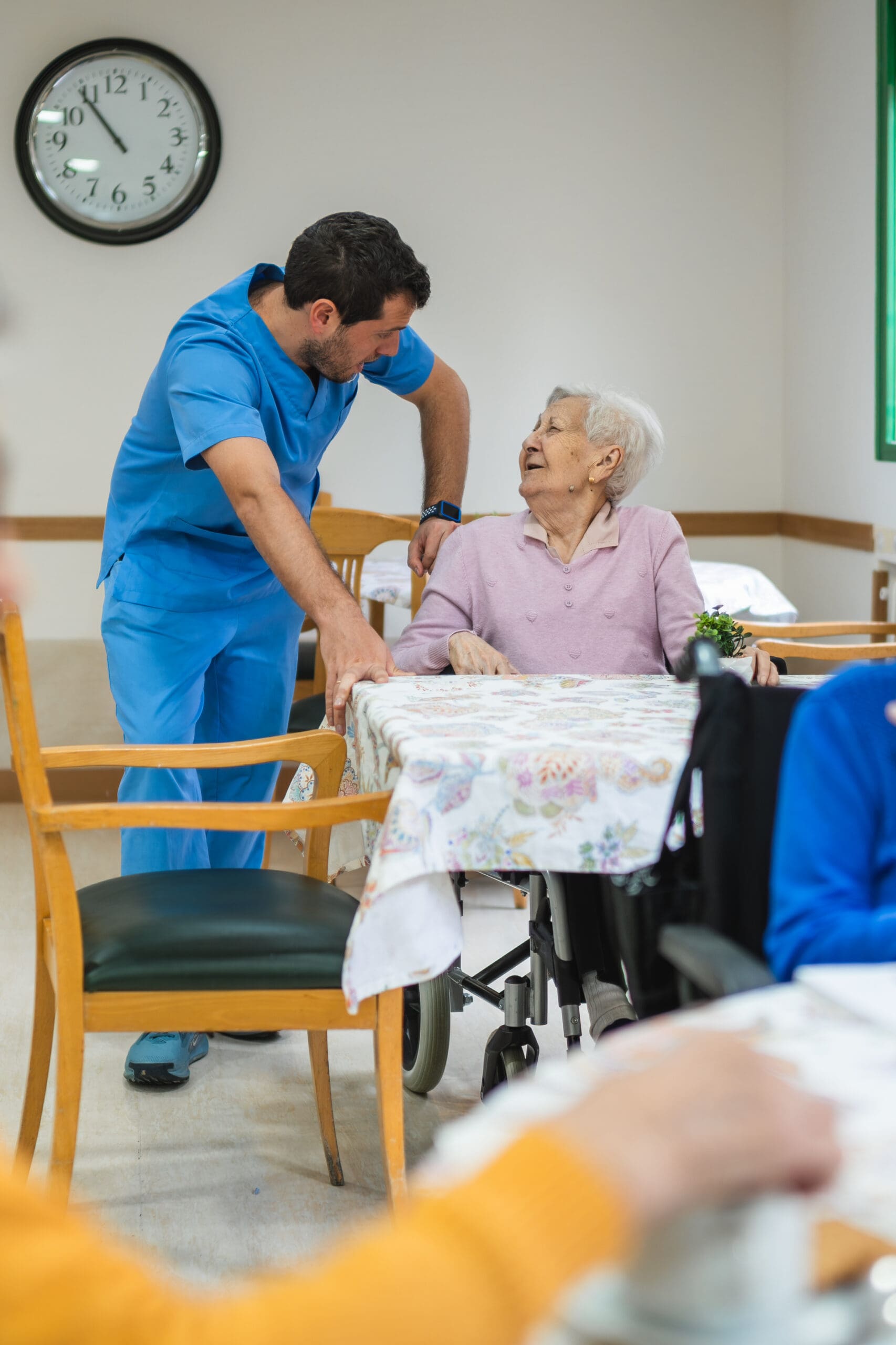
Senior Living Radios

Faster Staff Updates. Clear Voice. Built for Resident Care.

Senior living runs on trust and steady routines. A resident needs help in a hallway. A nurse needs support in a room. A family member has a question at the front desk. A spill needs cleanup fast. When staff can share short updates right away, care stays calm and consistent.

That is why many communities rely on Senior living radios. One button sends a direct message to the right people, without waiting on phone calls, long text chains, or missed alerts.

Fleet Radio helps senior living teams choose, set up, and support radios that fit real daily work. If you manage one building or a full campus, Senior living radios can help reduce delays, improve response, and keep residents safer.

Request a Quote to talk through your layout, team roles, and daily needs.

Modern voice communication that helps teams respond fast

Senior living has many moving parts: care staff, med techs, activities, dining, housekeeping, maintenance, and leadership. Phones can be tied up. Texts can get buried. A quick voice message is often the fastest way to align a team.

Common ways communities use Senior living radios:

  • Care team calling for quick assistance

  • Front desk updates for visitor support

  • Housekeeping coordination for room readiness

  • Dining team updates for meal timing changes

  • Maintenance calls for urgent repairs

  • Safety updates for wandering risk or door issues

  • Transport coordination for onsite appointments

  • Event support during family nights and activities

What to look for in Senior living radios

Not every radio setup fits a care environment. The best option depends on building materials, noise levels, and the need for quiet, respectful communication. Use this checklist when planning Senior living radios.

Coverage that matches your community

  • Thick walls and long corridors can affect signal

  • Multi-floor buildings need reliable reach

  • Basements, laundry rooms, and service halls matter

  • Outdoor courtyards and parking areas may need coverage

Clear audio without being disruptive

  • Strong speakers help in kitchens and service areas

  • Earpieces support quiet use near residents

  • Noise control helps in busy dining rooms

Easy controls staff can learn quickly

  • Push-to-talk should be simple with gloves

  • Clear channel labels prevent confusion

  • Locked settings reduce accidental changes

Battery planning for long shifts

  • Full-shift power matters for day and night teams

  • Multi-unit chargers support shift handoffs

  • Spare batteries help during busy weekends

Practical carry and accessory options

  • Remote speaker mics support hands-busy work

  • Clips and cases help prevent drops

  • Earpieces support discreet communication

Handheld Senior living radios for care and support teams

Most communities start with handheld units. They are portable, simple to use, and easy to assign by role. Fleet Radio can help you select handheld Senior living radios that fit care staff, support teams, and leadership.

Typical handheld kits include:

  • Belt clips or durable carry cases

  • Remote speaker mics for quick calls while moving

  • Earpieces for front desk and care staff

  • Multi-unit charging trays for a staff room

  • Extra batteries for long shifts and emergencies

A strong rollout also includes a clear channel plan. Instead of “Channel 1,” channels can be labeled by team or zone, like Care, Front Desk, Housekeeping, Maintenance, and Dining. This makes Senior living radios easier for new hires and float staff.

Mobile radios for vehicles, security, and campus operations

Some senior living sites include vehicles, carts, or security patrol. Mobile units can add steady power and stronger reach, especially when paired with an external antenna.

Mobile Senior living radios can support:

  • Security teams covering lots and entrances

  • Maintenance vehicles moving across a campus

  • Shuttle or transport coordination

  • Leadership teams traveling between buildings

Coverage planning for multi-floor buildings and multi-building campuses

Senior living communities often include tough signal areas: stairwells, elevators, basements, and thick-walled wings. A coverage plan helps staff stay connected in the places that matter most.

Fleet Radio supports coverage planning for Senior living radios by focusing on:

  • Testing known trouble spots like elevators and basements

  • Confirming coverage in memory care wings and common areas

  • Planning for outdoor courtyards and entry points

  • Setting channel rules that reduce unnecessary talk

In some cases, a repeater can extend range across a larger footprint. For multi-building sites, this can help Senior living radios stay dependable from the front desk to far wings.

Push-to-talk over cellular for multi-site ownership groups

Some operators manage multiple communities across a region. Cellular push-to-talk can help where cellular coverage exists, especially for teams that travel between sites.

This approach can support Senior living radios needs for:

  • Regional operations leaders

  • Floating maintenance teams

  • On-call leadership support

  • Vendor coordination across communities

Fleet Radio can help compare on-site radio systems and cellular options so your plan matches daily work and budget.

Rentals for short-term needs and special events

Not every need is permanent. Rentals can help when staffing increases or when you have a short window with extra coordination needs.

Teams often rent Senior living radios for:

  • Large community events and family gatherings

  • Temporary staffing surges

  • Remodel projects that change traffic flow

  • Emergency drills and training

  • Move-in periods with higher activity

We can deliver rental kits ready to use, with chargers, labels, and accessories so staff can start fast with Senior living radios.

Programming, labeling, and support that saves time

Radios work best when setup matches how your staff really works. Default settings can create confusion, loud alerts, and too many people on one channel. We help reduce friction through clean setup and ongoing support.

Setup support for Senior living radios can include:

  • Role-based channels for Care, Desk, Housekeeping, Maintenance, Dining

  • Zone channels for larger buildings and campuses

  • Clear labels that match job titles and shift structure

  • Simple talk rules that keep messages short and respectful

Ongoing support can include:

  • Adding units for new hires and new wings

  • Replacing worn mics, clips, and earpieces

  • Updating channel labels after process changes

  • Repair help when a unit gets damaged

Don’t miss the call that protects residents

Many situations start small. A quick response can prevent a fall from getting worse. A fast update can guide staff to the right place. The goal is not constant talk. The goal is clear, calm coordination.

With Senior living radios, teams can support resident safety, improve response time, and keep daily routines steady.

A simple process for getting the right setup

1. Quick call: building layout, staffing plan, and daily challenges

2. Match options: handheld, mobile, coverage support, and accessories

3. Plan channels: labels that match roles and zones

4. Deliver and stage: chargers, spares, and ready kits

5. Support: adds, changes, and repairs as needs shift

If you already have equipment, we can review your current gear and suggest practical improvements for Senior living radios.

FAQs about Senior living radios

How many radios should a community have?

A common starting point is to cover key roles: care leads, front desk, housekeeping lead, maintenance lead, dining lead, and leadership. Add spares for shift handoffs and busy days.

Should every caregiver have one?

Not always. Many communities assign Senior living radios by role, unit, or zone, then add extra units for high-need shifts. A quick review helps set the right count.

Can radios be used quietly around residents?

Yes. Earpieces and alert settings can support discreet use. Many teams set simple etiquette rules for resident areas while using Senior living radios.

How do we reduce chatter?

Role-based channels, zone channels for larger sites, and short message habits keep calls useful. A clear channel map helps Senior living radios stay calm, not noisy.

Will radios work in elevators and basements?

Those areas can be harder. Coverage testing and antenna planning can improve performance of Senior living radios in tough spots.

Are rentals useful for events?

Yes. Rentals can add short-term capacity for family nights, holiday events, or large activities without expanding permanent inventory of Senior living radios.

Do we need a repeater?

Some campuses do, especially multi-building sites or thick construction. A quick evaluation can show if a repeater would help Senior living radios coverage.

Can you standardize across multiple communities?

Yes. Shared labels and repeatable kits help staff move between sites with less confusion while using Senior living radios the same way each time.

Need specs, manuals, or a quick training sheet?

If you need documents for purchasing, onboarding, or internal training, we can point you to the right materials for your setup.